Treat the draft as a question, not an answer
Music can make the same footage feel calm, urgent, playful or uneasy. Before searching for a finished track, an AI music tool can help you hear a few possible directions. The goal is not to ask it for “the perfect soundtrack.” It is to test a narrower question: Would a slower pulse give this scene room to breathe? Would a lighter texture keep the narration in focus? A rough draft can make those choices easier to discuss with collaborators.
Start with the purpose of the piece and the feeling you want at specific moments. A product demonstration might need an inviting opening, steady energy during the explanation and a clear sense of arrival at the end. Those are useful creative requirements even if you never use the generated audio in the final cut. Keep any first draft short enough to review alongside the relevant scene rather than generating a full-length track before you know what works.
Prompt for musical function, not just genre
A genre label alone leaves many decisions open. Describe what the music should do: support spoken words, create anticipation before a reveal or carry a montage without overwhelming it. Add a few audible constraints, such as a restrained rhythm, sparse instrumentation or a gradual increase in intensity. If the tool accepts duration or structure, specify an approximate length and where a transition should occur. You can also ask for an instrumental draft when lyrics would distract from the message.
Change one variable at a time when making alternatives. For example, keep the same instrumentation and compare a relaxed pulse with a brisk one; then hold the pacing steady and compare warm and tense textures. This makes differences easier to hear than generating several unrelated pieces. Prompts may not produce precise results, so treat terms such as “subtle” or “gradual” as requests to evaluate, not guarantees about the audio you will receive.
Compare drafts against the same edit
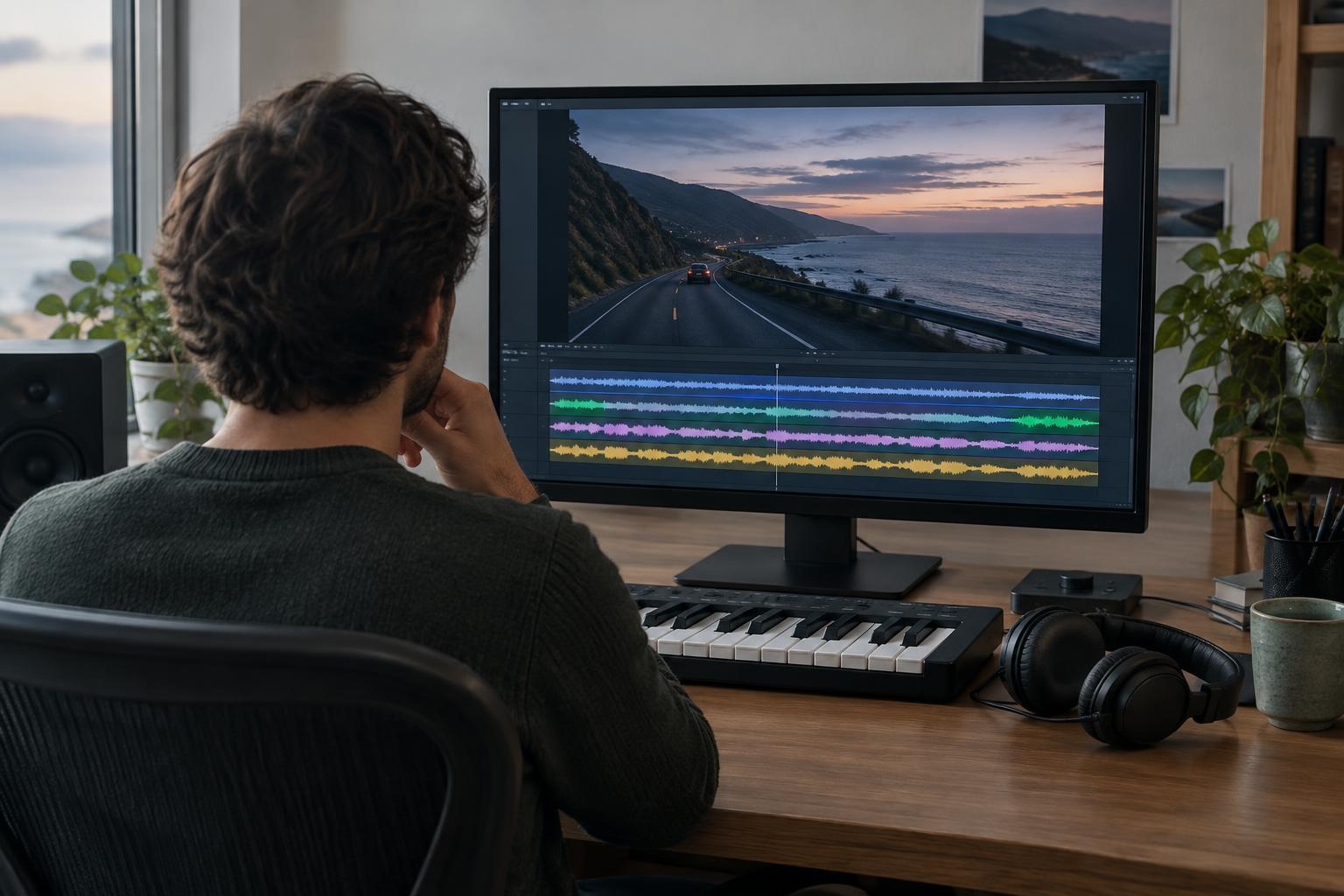
Place each candidate under the same version of your video, animation or audio story. Listen once without watching, then watch while listening. The first pass can reveal whether a draft is pleasant but too busy; the second shows whether it supports the images and their timing. Keep playback level reasonably consistent across candidates so a louder draft does not win simply because it sounds more prominent.
Mark the moments that matter: a first line of narration, a visual reveal, a cut to a new location or the final call to action. Notice whether musical changes arrive too early, too late or not at all. Silence may be the better choice for a key phrase. If the track fights a scene, try moving its entrance or reducing its presence before rejecting the entire musical direction. Write down a short reason for each decision, such as “good opening texture, but rhythm competes with speech.”
Turn what you learn into a soundtrack brief
After a few comparisons, summarize what worked without tying the brief to one generated file. Describe the desired emotional arc, useful tempo range in ordinary terms, preferred instruments or textures, places where music should pull back, and the kind of ending the edit needs. That brief can guide a search through licensed music, a conversation with a composer or another round of drafting.
An AI draft may contain awkward transitions, unexpected notes or a strong opening that never develops. Those flaws do not make the experiment useless. You can still learn that a gentle rhythmic bed suits the narration or that the final sequence needs less musical activity than you expected. Keep the decision focused on the piece you are making, not on whether a generated draft sounds impressive by itself.
Check suitability before using any draft publicly
Exploration and publication are different steps. If you want to use generated audio in a finished project, read the tool’s applicable terms and check what permissions you need for your intended use. Be cautious about prompts that request a close imitation of a named artist or recognizable song. A draft that evokes the right energy is more useful than one whose appeal depends on sounding like someone else’s work.
Also consider what you upload. A private client cut, unreleased voiceover or confidential script may not belong in a tool unless you understand its data settings and have permission to share the material. When possible, test music against a local edit or use a brief that omits sensitive details. Finally, listen through the entire chosen track with the final cut. Generating a promising opening is easy; ensuring the audio remains appropriate from first frame to last takes a deliberate review.


