Start with the decisions the script already makes
A storyboard shows how a sequence may look from shot to shot. A shot list turns that visual plan into a set of camera setups a team can prepare and capture. AI can speed up both drafts by organizing information and suggesting options, but it does not know your location, performers, budget, or intended tone unless you tell it. Treat its output as a planning proposal, not a production-ready plan.
Before using a tool, mark the script’s scenes, locations, characters, essential actions, and story beats. Note any visual requirements that must survive the adaptation: a character notices a clue, an object changes hands, or a reaction reveals a shift in mood. Separate those requirements from choices you are free to explore, such as framing or camera movement. If the script is confidential, check the tool’s data-handling settings and your team’s permissions before uploading it; you can also work from a brief you wrote yourself.
Break each scene into visual beats
Work one scene at a time. Give the AI the scene text or a concise summary, then ask for a numbered sequence of visual beats. Specify the scene’s purpose, intended tone, available location, cast size, and any constraints. For example: “Break this conversation into six to ten visual beats. Include the action or emotional change in each beat. Do not invent dialogue, props, or new events. Flag anything the script leaves unclear.” A useful response describes what the audience needs to understand before it suggests a camera angle.
Review the breakdown against the script. AI may split a minor action into too many beats or skip a quiet reaction that carries the scene. Combine repetitive beats, restore missing moments, and decide where an uninterrupted performance would work better than several cuts. If a suggestion depends on an unstated fact, label it as an option rather than letting it become part of the story by accident.
Draft storyboard frames with continuity in mind
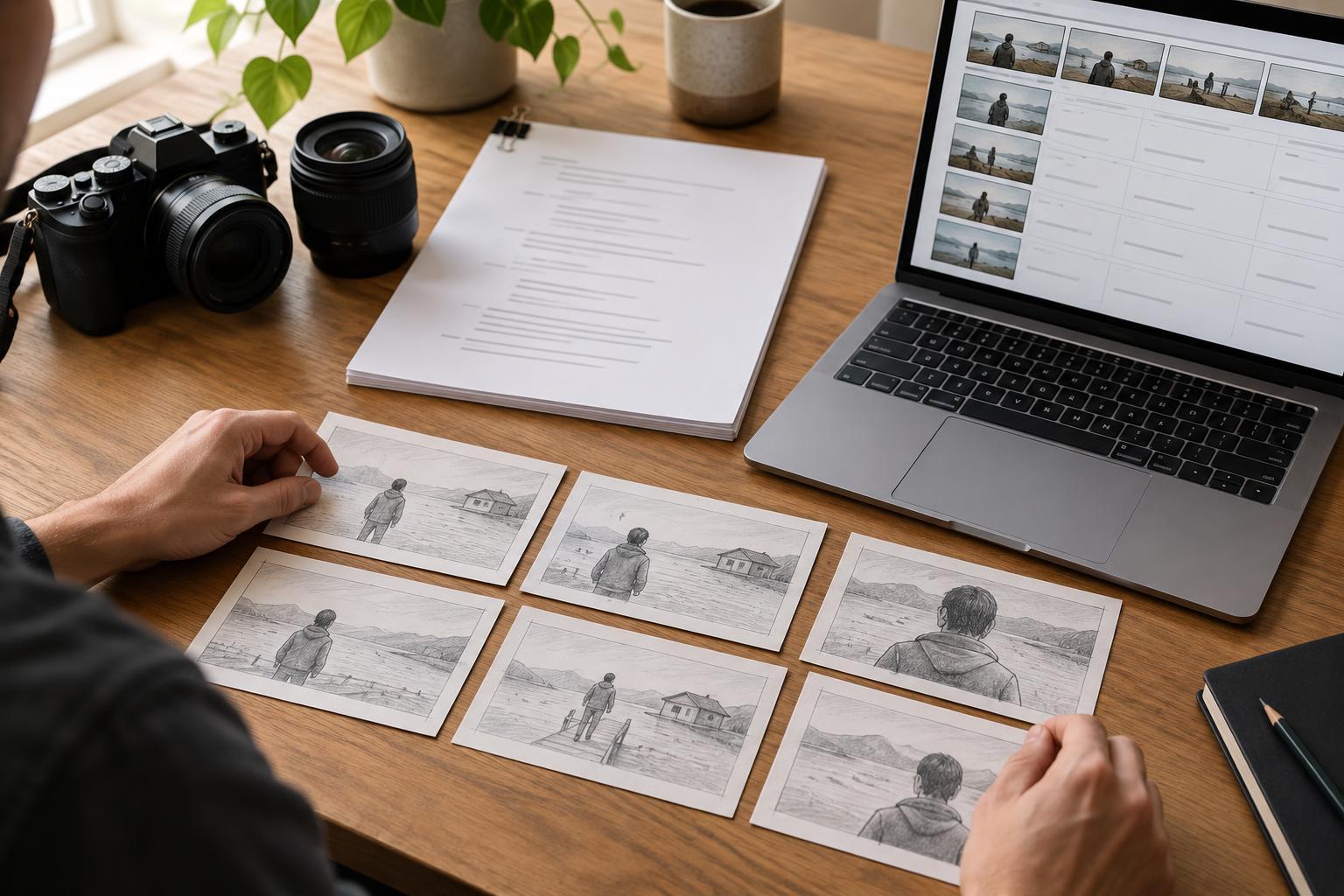
Ask for a storyboard table in plain language before generating images. For each numbered frame, request the beat, visible action, approximate framing, camera position, character positions, and the reason for the shot. Keep descriptions concrete: “medium shot from the doorway as Mara pauses beside the table” is easier to assess than “cinematic, dramatic image.” You can sketch from this table yourself, use simple boxes and arrows, or use an image tool to explore compositions. Polished images are optional; clear staging matters more.
When generating reference frames, repeat the details that need to stay consistent, such as wardrobe, room layout, screen direction, and the position of an important prop. Even then, an image model may change faces, hands, objects, or geography between frames. Check each image against the written plan rather than assuming a convincing-looking frame is accurate. If you plan to share references beyond the team, consider whether generated likenesses, supplied artwork, or other recognizable material require permission.
Convert frames into a shootable shot list
A storyboard follows the viewing order; a shot list should help the crew capture the material. Ask AI to convert your approved frames into a table with shot ID, scene, setup, shot size, camera angle or movement, action, dialogue or sound cue, props, and practical notes. Request that it group shots by camera position or location while preserving a reference to the storyboard frame each shot serves. This makes it easier to spot where one setup can cover several beats.
Then test the list against your actual constraints. Can the camera fit where the proposed angle requires? Does a moving shot add meaning worth its setup time? Do you have enough coverage for an important action or edit? Check eyelines, screen direction, entrances and exits, prop positions, and any changes in lighting or performance between takes. AI can suggest a close-up, but only you can decide whether that close-up is necessary and feasible for this production.
Run a final gap check, then lock a human-reviewed draft
Use AI once more as a critic rather than a creator: provide the approved beat list, storyboard descriptions, and shot list, and ask it to identify missing beats, unclear transitions, continuity risks, and shots that duplicate one another. Tell it to cite the relevant scene or shot ID and to phrase uncertain findings as questions. This is a useful way to surface issues, not proof that the plan is complete.
Finish with a version your collaborators can actually use. Give every frame and shot a stable ID, keep open questions visible, and distinguish essential coverage from optional ideas. Share the plan with the director, cinematographer, editor, or whoever fills those roles on your team. The best AI-assisted storyboard is not the one with the most images; it is the one that helps people understand the story, make informed choices, and arrive on set with fewer avoidable surprises.


