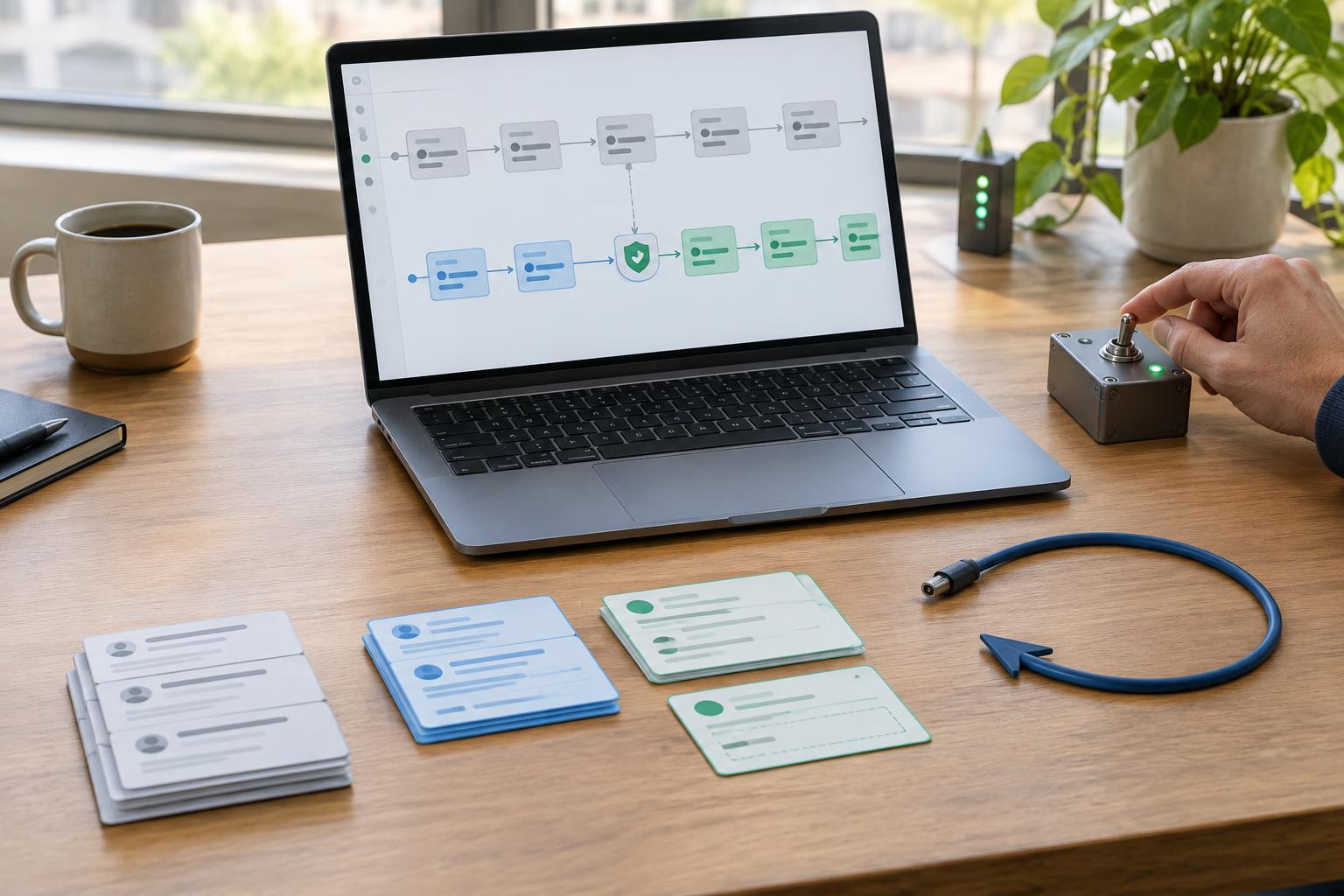
Define what a safe launch looks like
Test data is useful because it lets you explore a workflow without affecting real people or systems. It is also usually cleaner than live data. A real inbox may contain missing fields, repeated messages, unusual attachments and requests that do not fit the examples you prepared. Before connecting a live source, write down what the automation may read, what it may change and what it must never do without a person’s approval.
Choose one measurable outcome for the first launch. For example, an automation might copy incoming requests into a review queue, not classify and answer them automatically. Name an owner who can pause it, and set a limit on its initial scope: one mailbox, one project or a small subset of records. If the workflow uses an AI model, treat its output as a proposal where errors would matter. A well-formed response is not proof that a classification or summary is correct.
Test with realistic cases and protect the input
Build a test set that includes ordinary records and awkward ones: empty values, duplicate submissions, unexpected formats and items that should be skipped. Check not only the final output but also the path each item takes. What happens if an external service is unavailable? Will a retry create a second task or send a second message? Where possible, give each item a stable identifier so the automation can recognize work it has already completed.
Review data access before switching sources. Use only the permissions the workflow needs, and avoid copying sensitive fields into prompts, logs or notifications unless they are necessary for the task. If you need realistic examples, remove personal details where practical. Record which accounts, connections and destinations the live version will use; a successful test with a personal account does not confirm that a shared production account has the same access.
Stage the cutover instead of flipping one switch
Start with a read-only or draft-producing run if the tools allow it. The automation can observe live inputs and show what it would have done without sending messages or editing records. Compare its proposed actions with a manual review, paying particular attention to exceptions. Next, enable a narrow set of low-risk actions while keeping higher-impact steps behind approval.
Before each expansion, decide what would justify continuing. You might require that every processed item appears in a review log, that skipped items have understandable reasons and that a person can identify incorrect outputs before they reach a customer. These are launch checks, not guarantees of future accuracy. Keep the test configuration available, but clearly label it so nobody mistakes sample destinations for live ones.
Prepare a rollback that addresses what already happened
A rollback plan needs more than an off switch. Document how to pause triggers, disable scheduled runs and prevent queued jobs from resuming unexpectedly. Save the previous workflow settings and, where feasible, take an export or snapshot of records the automation may edit. Identify who can restore those settings and how they will confirm that the automation has stopped.
List each side effect and its recovery option. An incorrect tag may be removable; a sent email cannot be unsent. For irreversible actions, prefer drafts or approval during the first launch. Keep a record linking each input to the action taken so you can find affected items without searching the entire system. Rehearse the pause and restoration steps in a safe environment. If a problem occurs, stop new actions first, assess the affected items, then correct them deliberately rather than replaying the whole workflow.
Monitor the first runs and decide when to expand
During the initial live run, watch for failures, unusually high volume, repeated actions and outputs that do not match the source material. Check a sample of successful items too: an automation can complete without an error while producing the wrong result. Set a clear contact for reports from people who encounter its output, and make sure that person knows how to pause the workflow.
After reviewing the results, choose among three options: keep the limited launch, expand its scope or roll back and revise it. Note what changed between versions, including prompts, rules, permissions and destinations. That record makes later troubleshooting easier. A careful launch does not eliminate mistakes, but it gives a small team a practical way to detect them, limit their reach and recover without relying on memory.


