Start with the outcome, not the notes
A pile of project updates is not yet an agenda. Updates describe what has happened; an agenda identifies what the group needs to do together. Before opening an AI tool, write down the meeting’s purpose in one sentence. For example: “Agree on the next release priorities and assign owners to unresolved tasks.” That sentence gives you a test for every proposed agenda item: does discussing it help the group reach that outcome?
Gather the relevant material in one place: recent written updates, outstanding questions, previous action items, and any decisions that are waiting on input. Include the meeting length and who will attend. If a question can be answered by one person outside the meeting, separate it from issues that genuinely need group discussion. This first pass makes the AI’s task narrower and the resulting agenda more useful.
Ask AI to sort the material before drafting
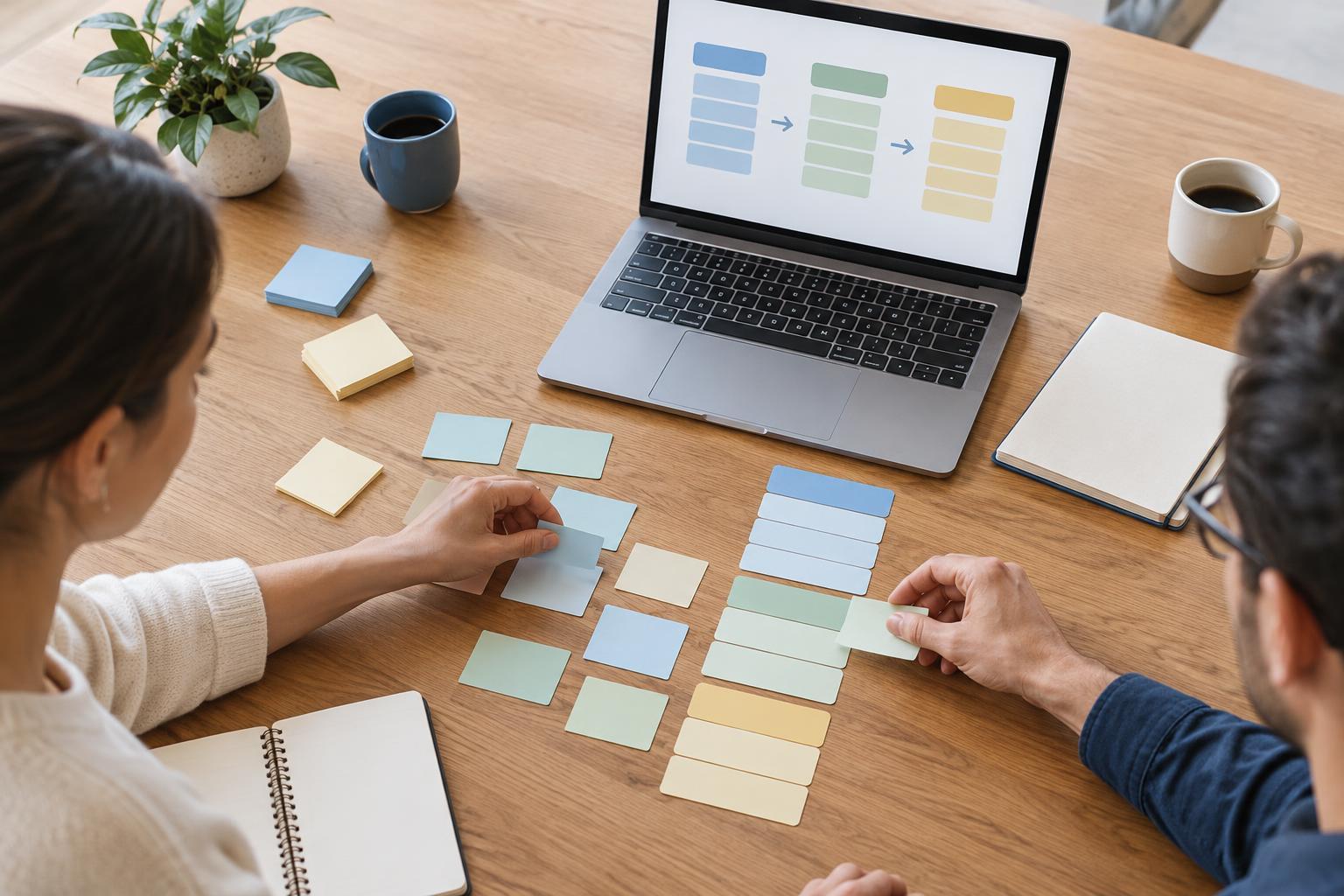
An AI assistant can help turn inconsistent notes into a working list. Give it the meeting purpose and the material you are permitted to share, then ask it to classify each point as a status update, a decision needed, an open question, a blocker, or a proposed action. These labels are not judgments to accept automatically. They are a way to spot places where the source notes are unclear.
A useful request might read: “Using only the notes below, identify decisions that require the attendees, blockers that need discussion, and questions that could be handled asynchronously. Do not assume that a decision has been made unless the notes say so. Mark missing context as ‘needs clarification.’” Review the output against the original notes. AI can merge related points and suggest groupings, but it may also mistake a tentative suggestion for an agreed plan.
Build agenda items around decisions and discussion
Once the list is accurate, ask for a draft agenda with a purpose for each item. “Discuss launch” is vague; “Choose which launch tasks must be complete before review” tells attendees what they need to prepare for. For each item, include the question to resolve, the expected outcome, and the person best placed to introduce the topic. If ownership is unknown, leave it unassigned rather than letting the AI invent a name.
Time estimates can help keep the agenda realistic, but treat them as planning choices rather than predictions. Leave room for context, discussion, and a closing review of decisions and action items. If the draft contains more topics than the meeting can reasonably cover, ask the AI to identify which items are essential to the stated purpose. Move routine updates to a pre-read or follow-up message when participants do not need to discuss them live.
Check the draft against the source material
Read the proposed agenda alongside the updates and questions you supplied. Confirm that important unresolved issues appear, completed work is not presented as pending, and no proposed action has been recast as an approved decision. Check names, dependencies, deadlines, and project terminology yourself. If a note is ambiguous, ask its author for clarification instead of relying on a confident-sounding interpretation.
This review is also a chance to make the agenda fair to participants. Does the order put prerequisite decisions before dependent ones? Do attendees have the information they need to contribute? Is there a clear place to raise a blocker that did not appear in the written updates? An agenda need not cover every line of the source material. It should make the most valuable use of the group’s shared time.
Share only appropriate information and invite corrections
Project notes may contain customer details, personnel matters, or other sensitive information. Follow your organization’s rules for AI tools and remove unnecessary identifiers before entering material into a service. If you cannot share the underlying notes, you can still use AI to create an agenda structure from a brief, non-sensitive summary, then fill in the details yourself.
Send the agenda with enough context for people to prepare: the meeting purpose, the decisions requested, relevant pre-reading, and any questions participants should consider in advance. Invite them to flag missing items or incorrect assumptions. During the meeting, use the agenda as a guide rather than a script. Afterward, record the actual decisions, owners, and next steps separately. The AI-assisted draft helps organize the conversation; the people in the meeting remain responsible for what they decide.


